
Introduction
Experiencing double notifications on your iPhone? It's a common issue that disrupts your experience with redundant alerts. This guide provides solutions to eliminate these annoying double notifications, helping you maintain a smooth and efficient workflow.
Understanding iPhone Notification Settings
To effectively tackle the problem, it is crucial to understand how iPhone notifications operate. The iOS notification system is designed to keep you aware without overwhelming you. You have the option to customize settings such as alerts, banners, and badge icons for each app.
Understanding these foundational settings can help pinpoint potential glitches leading to duplicated notifications. A solid grasp of these configurations sets the groundwork for more targeted troubleshooting steps.
Common Causes of Double Notifications
Knowing what causes your iPhone to send double notifications can streamline the resolution process. Let's explore the frequent culprits.
Software Bugs and Recent Updates
Sometimes, new iOS updates introduce bugs disrupting device functions, including notifications. While developers work quickly to address such issues, recognizing them can help you track down your notification issues more effectively.
Misconfigured App Settings
Some apps might have default settings resulting in duplicate notifications. Reviewing and adjusting these settings where necessary can ensure you only receive essential alerts.
Third-party Application Interference
Certain applications, especially those integrated closely with iOS, may inadvertently interfere with system notifications, causing duplicates even if not intended to do so.
Moving from knowing the causes to applying solutions, let's explore actionable steps to resolve the duplication issue.
Troubleshooting Steps to Fix Double Notifications
Starting with basic troubleshooting is often effective before progressing to more advanced methods.
Restarting the iPhone: A simple restart can often resolve system glitches, including duplicate alerts. Press and hold the power button, slide to power off, and then restart the device.
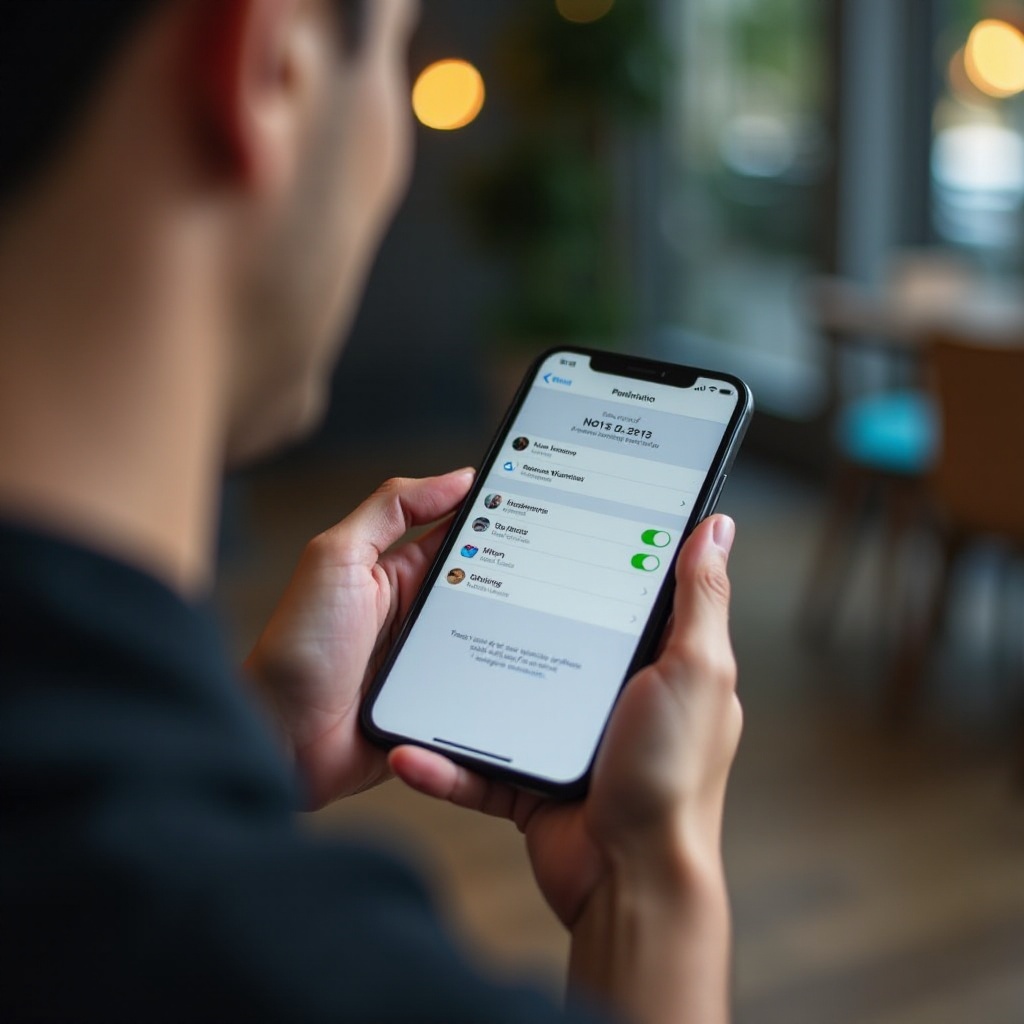
Checking Notification Settings for Individual Apps: Navigate to Settings > Notifications. Review each app's settings to ensure you're not getting multiple notifications from different configurations like banners or badge icons. Adjusting these settings can resolve duplicate notifications.
Updating iOS to the Latest Version: Ensure your device is running the latest iOS version by visiting Settings > General > Software Update. Updates often contain crucial bug fixes for issues like double notifications.
With basic strategies outlined, let's delve into more advanced solutions for persistent notification issues.
Advanced Solutions for Persistent Issues
If basic steps fail, consider these advanced methods to eliminate stubborn double notifications.
Reinstalling Problematic Apps: For apps consistently delivering double alerts, remove and reinstall the app. Press and hold the app's icon on your home screen, choose the delete option, and reinstall from the App Store after a device restart.
Conducting a Factory Reset: As a last resort, reset your iPhone to factory settings to clear software conflicts. Backup your data, then go to Settings > General > Transfer or Reset iPhone > Erase All Content and Settings, and then set up the device anew, restoring only essential apps initially.
Contacting Apple Support for Unresolved Issues: If you've exhausted other solutions and still face problems, reach out to Apple Support. They offer professional diagnostics and support for deeper software or hardware-related issues.
Conclusion
Double notifications can be a considerable annoyance, but with a clear understanding of iOS settings and applying practical solutions, you can resolve these problems efficiently. Regularly updating your iPhone and reviewing notification settings can help maintain a seamless notification experience.
Frequently Asked Questions
Why am I getting double notifications on my iPhone?
Double notifications can result from software bugs, misconfigured app settings, or third-party app interference. Checking these factors can help address the issue.
How can I stop the same notification from appearing twice?
To fix duplicate alerts, review and adjust your notification settings in each app, ensure your iOS is updated, and troubleshoot by restarting or reinstalling apps.
What if the troubleshooting steps don't resolve the issue?
If issues persist after following basic and advanced solutions, consider a factory reset or contacting Apple Support for further diagnostics and assistance.